
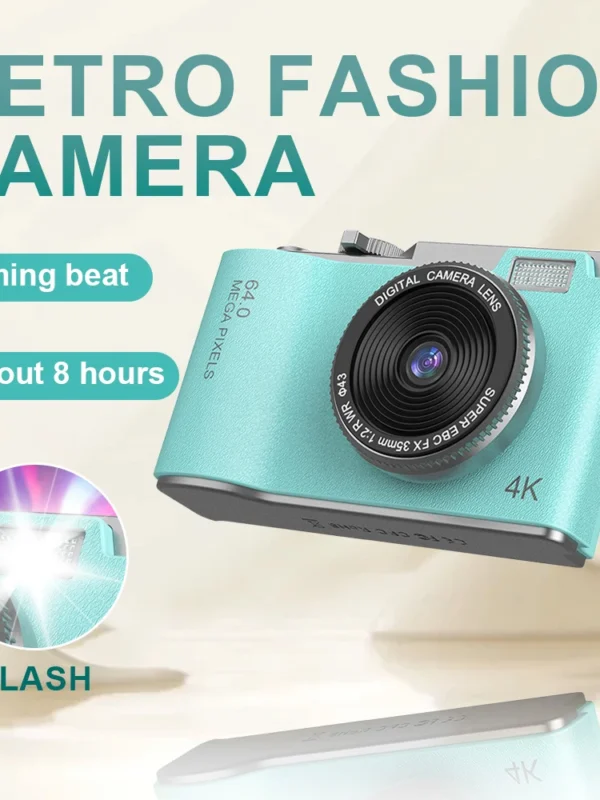
Digital Rechargeable 4K Camera
د.إ 145,64
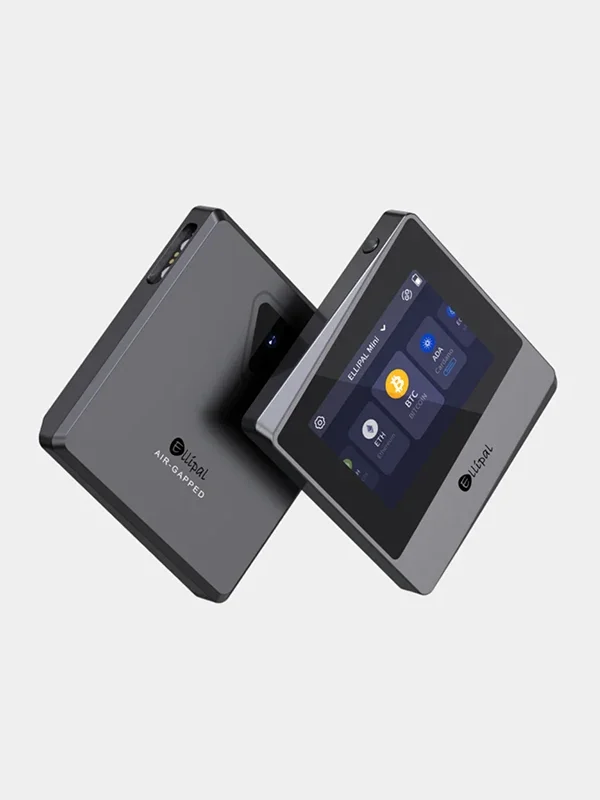
Titan Mini security Cold Hardware Wallet
د.إ 419,14
Three Lens Wirelss CCTV Camera
د.إ 271,70
Description
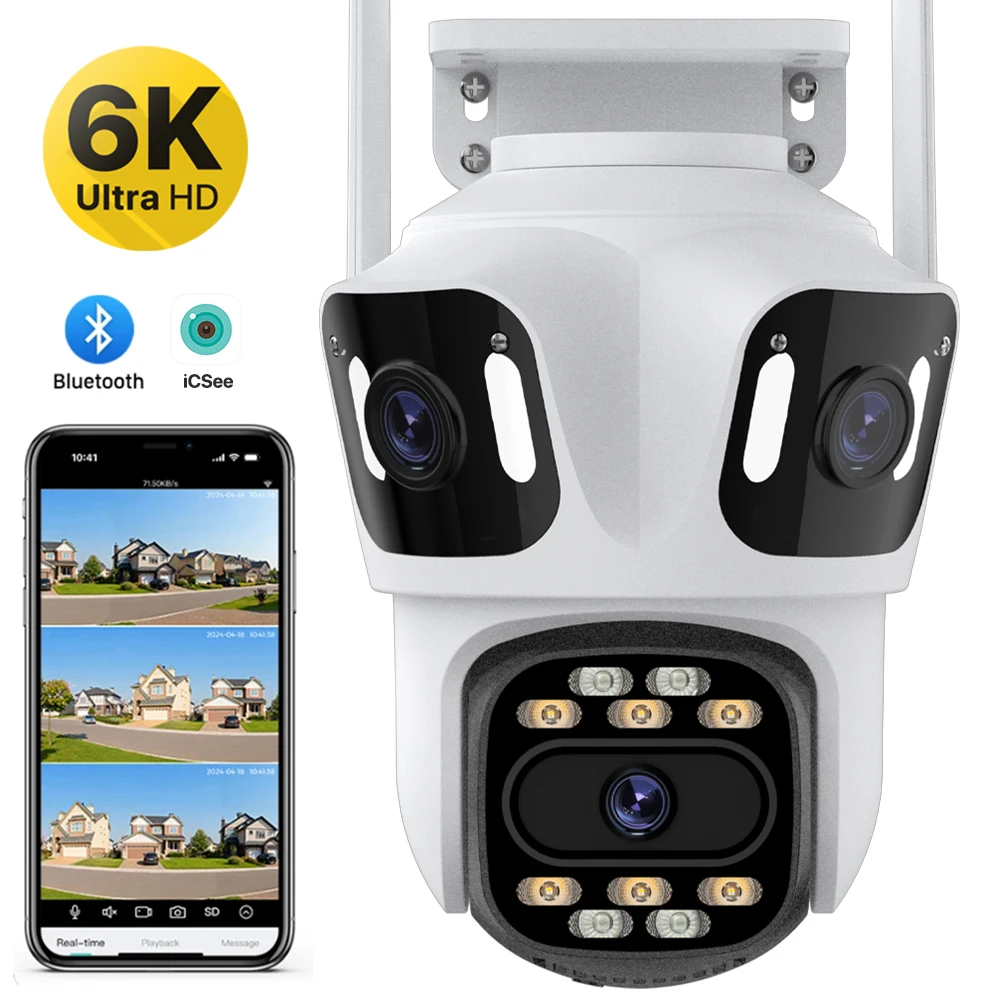
How to Configure the Camera in the iCSee App
① Download icsee app from Google play store or other software stores.
② There is a reset button at the bottom of the camera. Press and hold the reset button for 10 seconds. When you hear the sound of a successful reset, the camera has been reset successfully.
③ Connect the camera through the 2.4Ghz Wifi network band, follow the 6 steps in the picture to connect, and you can configure it successfully.
Additional information
| Sensor Size |
4K Camera ,4K With 128G ,4K With 256G ,4K With 64G ,6K Camera ,6K With 128G ,6K With 256G ,6K With 64G |
|---|---|
| Plug Type |
AU Plug ,EU Plug ,UK Plug ,US Plug |
Reviews (0)
Only logged in customers who have purchased this product may leave a review.
Related products
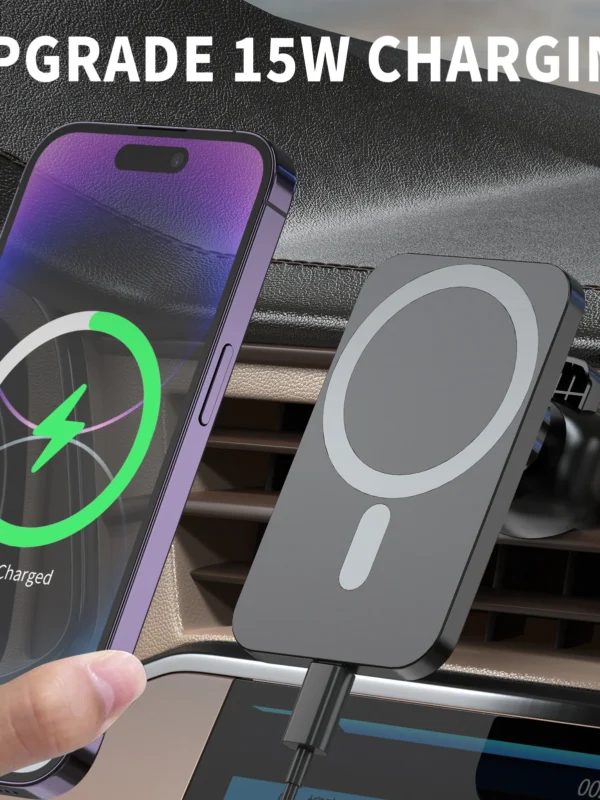
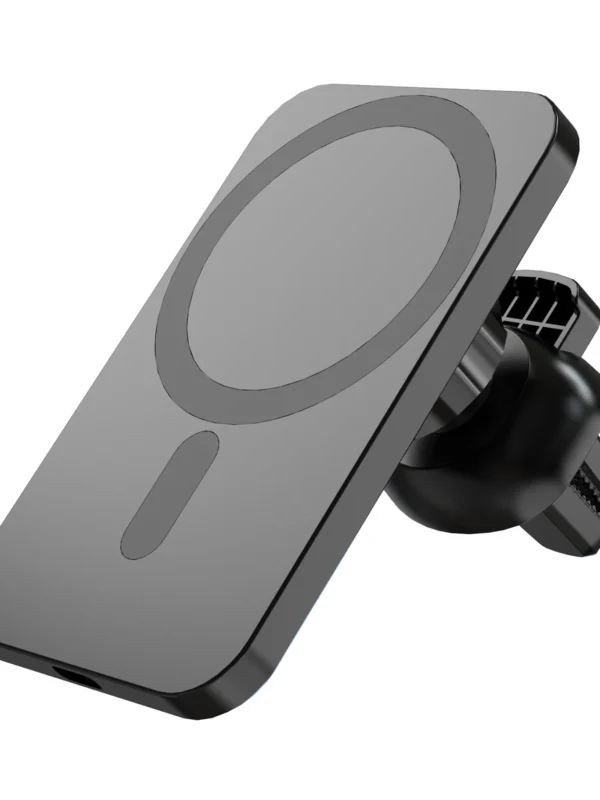
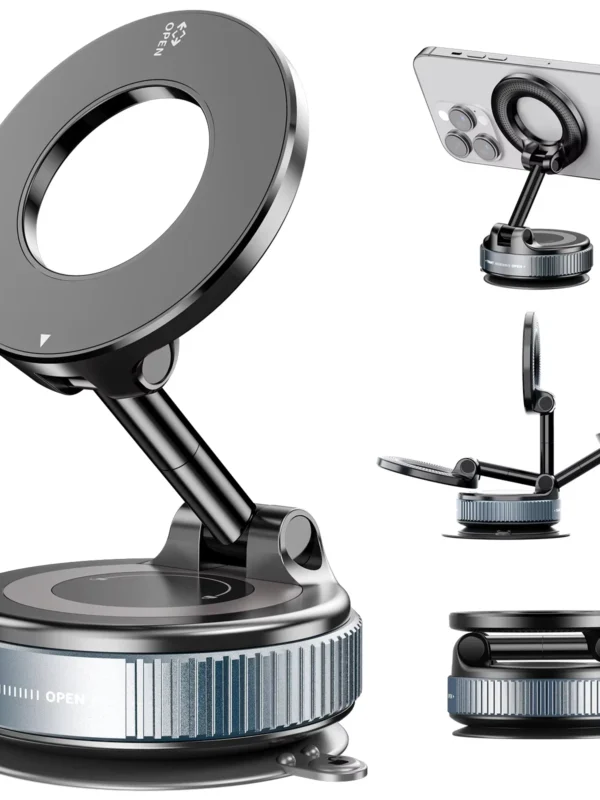
Car Phone Magnetic Stand
د.إ 63,90
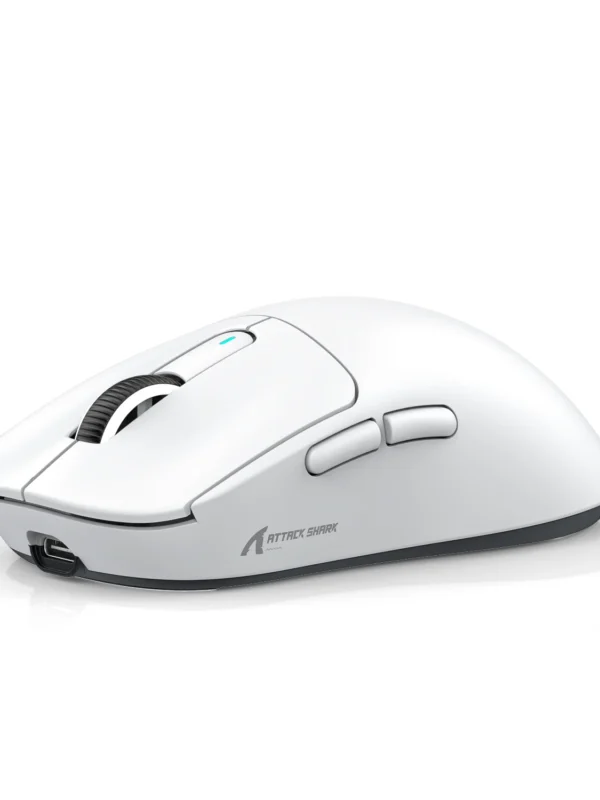
Lightweight Wireless Tri-Mode Gaming Mouse
د.إ 266,20


Portable Wired Mini Mechanical Keyboard
د.إ 187,00

Shiny Mini Smart Power Bank 5000mAh
د.إ 224,00
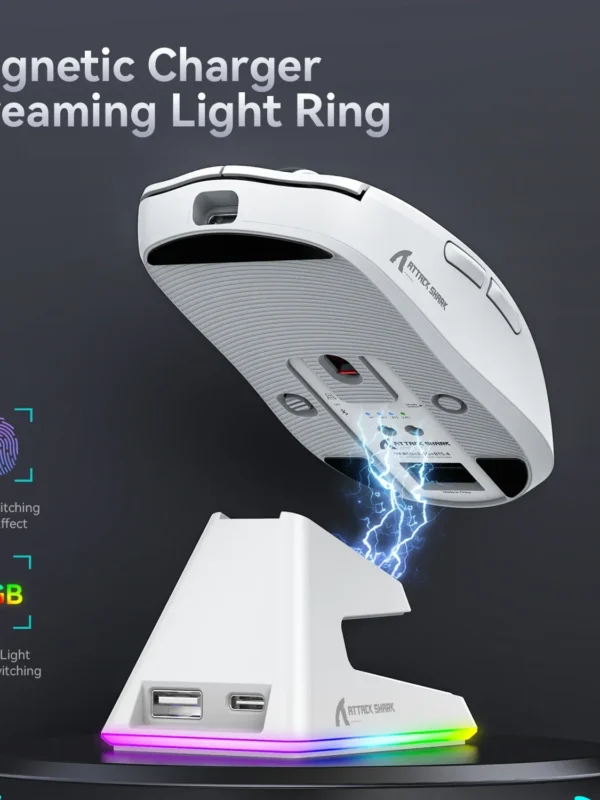
Tri-Mode Magnetic Macro Gaming Mouse
د.إ 304,70
Reviews
Clear filtersThere are no reviews yet.